
A thermostat is the “control center” of your heating and cooling system. When it stops working, your HVAC system may not turn on, may run nonstop, or may fail to reach the right temperature.
Luckily, many thermostat problems are simple—like dead batteries, incorrect settings, or loose wiring. In this guide, you’ll learn the most common reasons a thermostat stops working, safe troubleshooting steps you can try, and when it’s time to call an HVAC professional.
When your thermostat fails, your HVAC system may not respond correctly—even if the equipment is fine.
Common Signs Your Thermostat Isn’t Working
Thermostat problems can show up in different ways depending on your system. Common signs include:
- The AC or heater won’t turn on
- The HVAC system runs continuously and won’t shut off
- The thermostat screen is blank
- The temperature displayed seems wrong
- The system turns on and off frequently (short cycling)
- Rooms feel too hot or too cold even when settings look correct
Quick Checks Before You Panic (Do These First)
Before assuming your thermostat is broken, check these simple things. Many homeowners fix the issue within minutes.
1) Check the Thermostat Mode (COOL/HEAT/OFF)
It sounds obvious, but thermostats often get bumped accidentally.
- Set it to COOL for air conditioning
- Set it to HEAT for heating
- Make sure it’s not set to OFF
2) Check the Fan Setting (AUTO vs ON)
If your fan is set to ON, it may run constantly even when cooling or heating stops.
For most homes, AUTO is the best option.
Incorrect settings are one of the fastest and easiest reasons a thermostat appears “not working.”
3) Replace the Batteries (If Your Thermostat Uses Them)
Many thermostats run on AA or AAA batteries. If the batteries die, the screen may go blank and the system won’t respond.
- Replace batteries with new ones
- Wait 1–2 minutes
- Test the system again
4) Check Your Circuit Breaker
Sometimes the HVAC system loses power, not the thermostat itself.
- Check the breaker panel for a tripped breaker
- Reset once only
Warning: If it trips again, stop and call a professional.
Common Reasons a Thermostat Stops Working
Cause #1: Dead Batteries or Weak Power
This is the #1 reason many thermostats fail suddenly. Even if the screen is still on, weak batteries can cause incorrect behavior.
Fix: Replace batteries every 6–12 months.
Cause #2: Loose or Disconnected Wires
Thermostats connect to your HVAC system through thin wires. Over time, wires can loosen due to vibration, installation issues, or small accidental movement.
Signs:
- Thermostat turns on but HVAC doesn’t respond
- System behaves inconsistently
What you can do safely:
- Turn off HVAC power at the breaker
- Make sure the thermostat is firmly attached to the base plate
Do not touch wiring if you are not confident. Wrong wiring can damage your system.
Cause #3: Dirty Thermostat Sensors
Older thermostats can collect dust inside. Dust buildup may affect temperature readings.
Fix (safe):
- Turn off the system
- Remove thermostat cover
- Gently dust inside using a soft brush or compressed air
Cause #4: Thermostat in a Bad Location
If your thermostat is installed in direct sunlight, near the kitchen, next to a warm window, or above a vent, it may read the wrong temperature.
Signs:
- Thermostat shows a temperature that feels wrong
- Rooms stay uncomfortable even after adjustments
Fix: Avoid heat sources near the thermostat. In some cases, relocating the thermostat may be necessary.
Cause #5: HVAC System Issue (Not the Thermostat)
Sometimes the thermostat is fine, but the HVAC system has a problem like:
- A blown fuse
- Bad capacitor
- Clogged drain line (AC safety switch)
- Failed contactor
If the thermostat turns on but the system never responds, this may be the cause.
How to Reset a Thermostat (Safe Reset Steps)
Resetting can solve many glitches—especially after power outages.
Option A: Basic Reset (Most Thermostats)
- Turn the thermostat to OFF
- Turn it back to COOL or HEAT
- Wait 5 minutes
Option B: Battery Reset (Battery Thermostats)
- Remove the thermostat from the wall plate
- Remove batteries
- Wait 1–2 minutes
- Insert new batteries
- Reattach the thermostat
Tip: Some thermostats have a reset button or reset option in the settings menu.
When to Call an HVAC Technician
Call a professional if:
- The thermostat screen stays blank after battery replacement
- The breaker keeps tripping
- The HVAC system doesn’t respond at all
- You suspect wiring issues or burnt smell
- The thermostat repeatedly loses settings or disconnects
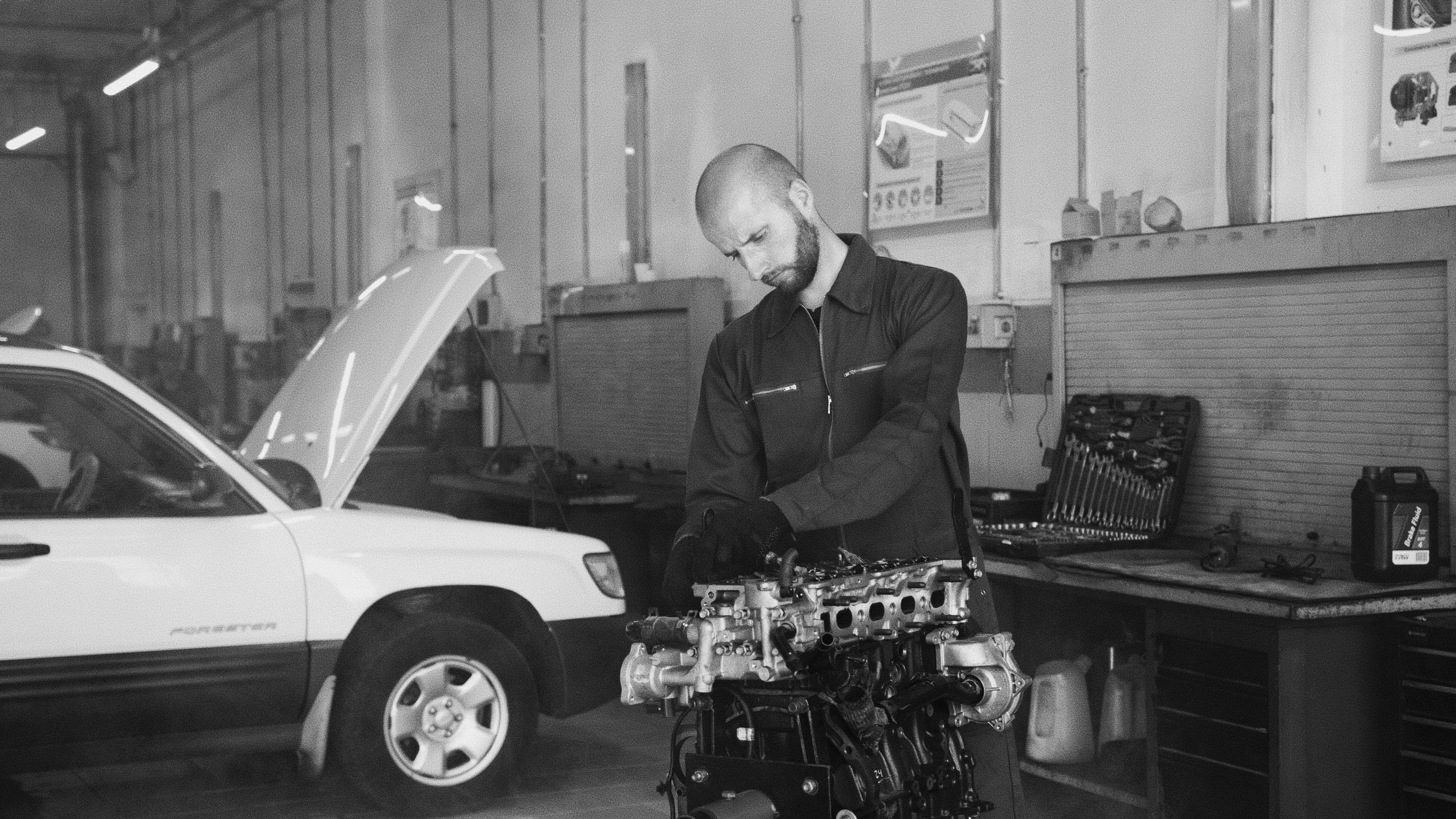
If the issue is wiring, a system fuse, or HVAC control board, a technician can diagnose it safely.
Typical Thermostat Repair or Replacement Cost (USA)
Thermostat-related costs depend on model and installation complexity:
- New thermostat (basic): $30–$100
- Smart thermostat: $150–$350+
- Professional installation: $100–$300
- Service call + diagnosis: $80–$200
Tip: If your HVAC system is older, ask your technician which thermostat models are compatible.
Safety Tips
- Turn off power before removing thermostat covers if you suspect wiring issues.
- Never touch wires unless you are confident and the system is powered off.
- If you smell burning, shut down the system and call a professional immediately.
FAQ
1) Why is my thermostat blank?
Most commonly dead batteries, but it can also be a power issue from the HVAC system or a blown fuse.
2) Can a thermostat stop working after a power outage?
Yes. Some thermostats glitch after power loss. Resetting it often helps.
3) Why does my thermostat read the wrong temperature?
It may be affected by location, sunlight, or dust buildup inside the thermostat.
4) Should I replace my thermostat?
If it’s old, unreliable, or incompatible with your system upgrades, replacing it can improve comfort and energy efficiency.
5) Can a bad thermostat damage my HVAC system?
It can cause short cycling, constant running, or incorrect operation, which may increase wear over time.
Conclusion
A thermostat not working doesn’t always mean you need a replacement. Start with simple checks like settings, batteries, and breaker status. If the problem continues or you suspect wiring or HVAC system issues, contacting a licensed technician is the safest option.
Keeping your thermostat clean, using fresh batteries, and ensuring correct placement can prevent many common thermostat problems and help your home stay comfortable year-round.
Post a Comment